
EU AI Act
Ready
AI DETECTION
DISCLOSURE AUTOMATION
ZERO CONFIGURATION
What is the EU AI Act and why it matters
The EU AI Act introduces transparency obligations for AI-generated content and AI systemad interacting with users. Website owners using AI tools may be required to clearly disclose AI-generated content and automated interactions.
AI Generated Content
AI Generated Media
AI Chatbots
Transparency Obligations
LIVE DEMO
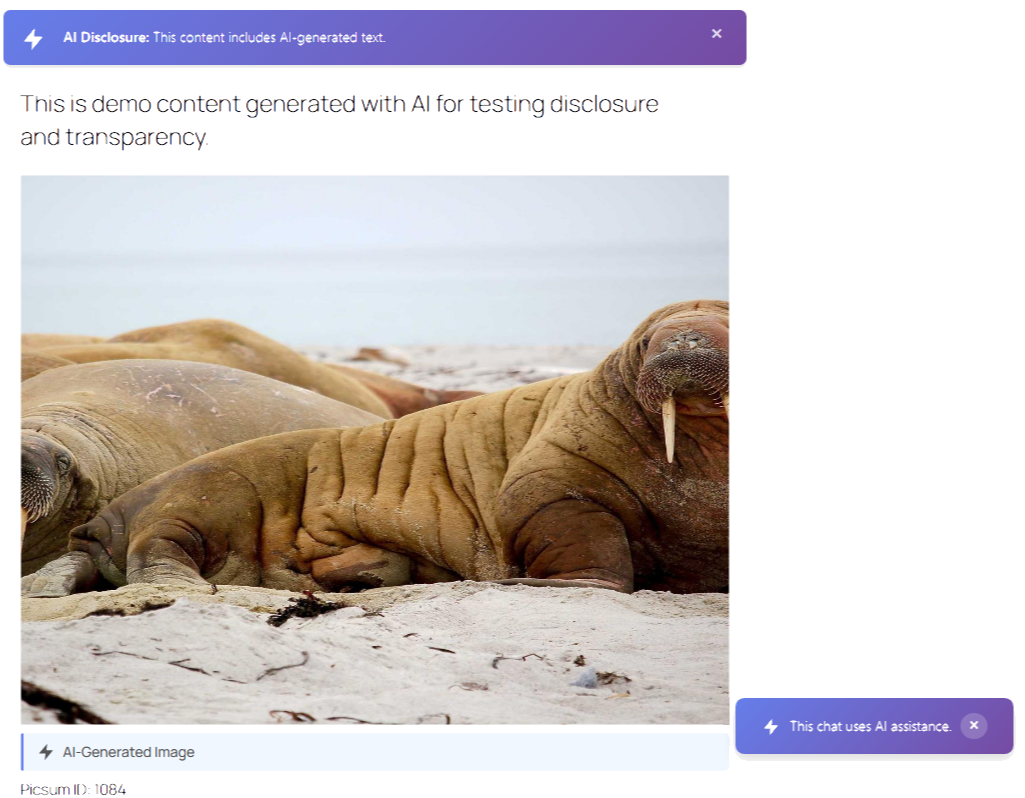
Try it instantly.
No Installation required.
Test the plugin directly in a live WordPress environment.
Pre-activated. Sample posts included.
See AI transparency notices in action.
Powered by WordPress Playground.
Everything you need for AI Transparency
EU AI Act Ready helps WordPress websites detect AI-generated content and display transparency notices automatically, without complex setup.
Automatic AI Detection
Transparency Notices
Chatbot Disclosure
Simple Configuration
Using AI on your Website?
Ensure Clear AI Disclosure on your Website
How it works
Simple AI Transparency in 3 steps
Activate the plugin and let it handle AI disclosure automatically.
1. Install the plugin
2. Automatic AI Detection
3. Frontend Disclosure Notices
Who is this for
AI transparency is no longer optional for many websites operating in the EU.
This plugin is built for those who want to implement disclosure clearly and confidently.
Website Owners Using AI Tools
Agencies Managing Client Websites
Businesses Preparing for EU AI Act Compliance
FAQ
How does the plugin detect AI-generated media?
The plugin flags potentially AI-generated images using multiple heuristic signals, including attachment metadata, filenames, EXIF information, and common technical patterns. Images can also be manually marked or unmarked at any time.
Are newly uploaded images scanned automatically?
Yes. Images are automatically analyzed upon upload, with confidence scoring and heuristic metadata detection. You can also manually re-scan or override any results.
Does the plugin automatically detect AI-generated text?
No. AI-generated text disclosure must be applied manually by the site owner to ensure accuracy and editorial control. The plugin does not analyze or infer AI usage in text content.
Can I customize the disclosure messages?
Yes. You can fully customize the wording, placement, and style of disclosure notices from EU AI Act Ready → Settings.
Does this plugin slow down my site?
No. Detection processes run asynchronously or on demand. Front-end output is lightweight and loads only when disclosures are enabled.
Which AI tools and chatbot platforms are supported?
EU AI Act Ready supports transparency disclosures for AI-generated content created using tools such as ChatGPT, GPT-4, DALL-E, Claude, Google Gemini, Midjourney, Stable Diffusion, GitHub Copilot, and similar AI platforms.
For chatbots, the plugin supports disclosure notices for platforms including Formilla, Intercom, Drift, Tidio, Tawk.to, Zendesk Chat, LiveChat, Crisp, Freshchat, as well as custom or self-hosted chatbot implementations. Chatbot disclosures can be enabled per platform from the plugin settings.
Is this plugin GDPR compliant?
Yes. The plugin does not collect, store, or transmit personal data and does not process user data for AI detection or AI transparency features. All processing happens locally on your server, and no data is sent to third-party services.
Does it work with Gutenberg, Elementor, and the Classic Editor?
Yes. EU AI Act Ready works with the Gutenberg block editor, Elementor and the Classic Editor. The AI disclosure controls appear in the post sidebar for easy access.
How do I bulk scan existing images?
Go to EU AI Act Ready → Dashboard and use the bulk scanning tools to process media library items in batches.
Can I manually mark content as AI-generated?
Yes. You can manually mark or unmark any post, page, or media item as AI-generated using editor controls or bulk actions.
What happens if I deactivate the plugin?
All plugin settings and AI content markers remain stored in the database. Reactivating the plugin restores all functionality. To remove all data, uninstall the plugin.
Can I try the plugin before installing it?
Yes. Use the Live Preview button on the WordPress.org plugin page to instantly test EU AI Act Ready in a temporary WordPress environment powered by WordPress Playground or directly by clicking here.
Using AI on your Website?
Ensure Clear AI Disclosure on your Website
Latest news & articles